Installing the clipper
You read a review you want to keep. In two years a link to that article is probably dead, behind a paywall, or rewritten. The clipper keeps the text itself in your box, with the title, source and publication date attached.
A token first
The clipper talks to your account on your behalf, and it needs a key for that. Create one under API in your account settings; you only ever do this once. Your clip button is then waiting on the Bookmarklet page.
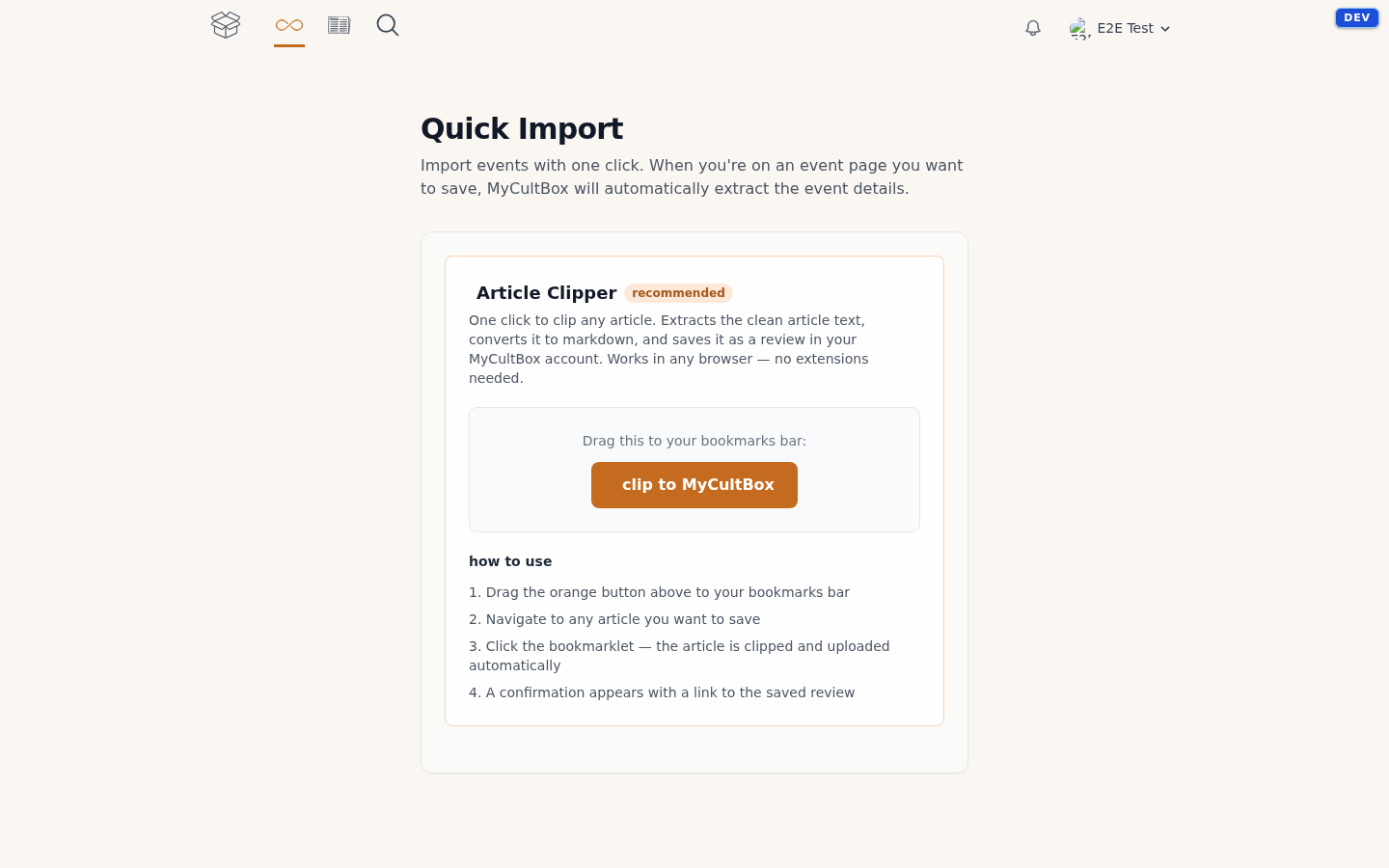
On your computer
Drag the orange button to your bookmarks bar. Clicking it won't work — you'll just get a note telling you to drag it. From then on clip to MyCultBox sits among your bookmarks and works in any browser. No extension needed.
On your iPhone or iPad
Install the MyCultBox shortcut. During installation it asks once for your API token and your MyCultBox address. After that import to MyCultBox lives in your share sheet: open the article, share, done.
On Android
Install MyCultBox as an app — your browser will offer it, or you pick Add to home screen from the menu. MyCultBox then appears in your share sheet and you can send any page straight to it.
How much you can clip
Clipping works on every plan, the free one included. There is a fair-use limit though: 10 articles a month on the free plan, 1,000 on Pro. The counter runs per calendar month and starts fresh each month.
For linking a clipped article to a book, film, album or concert, see Clipping articles. If something goes wrong, see When clipping goes wrong.