Importing from Goodreads
Your whole Goodreads library arrives in one file. You don't have to change a thing in it.
Getting your export
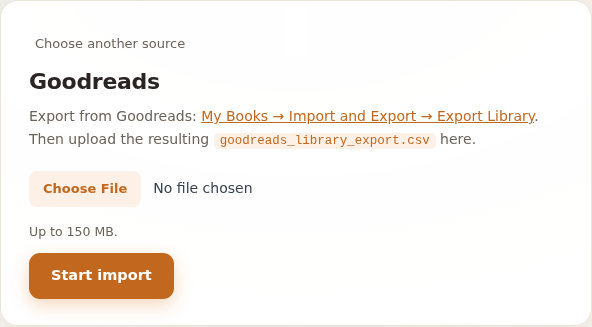
In Goodreads, go to My Books → Import and Export → Export Library. Goodreads prepares the file and a download link appears a moment later. You get one CSV: goodreads_library_export.csv.
Uploading it
Open the import page in MyCultBox, pick Goodreads and select the file. Before we create anything at all we check that it really is a Goodreads export — if the Title and Author columns aren't there, we say so straight away rather than running half an import.
After that you can leave the page. The import keeps running in the background and the progress bar is still there when you come back.
What comes across
- The book — title, author, ISBN, publisher, binding and page count.
- Your rating — Goodreads counts to 5 and MyCultBox to 10, so your stars are doubled. Unrated stays unrated.
- Your shelves — every bookshelf becomes a tag. Not read, to-read and currently-reading: those are statuses, not tags. What you've read gets the status past with your read date; the rest lands on upcoming.
- Your own reviews — they become an article on the book, credited to Goodreads.
And afterwards
A Goodreads export carries no covers and no blurbs. We look those up per book as soon as the rows are in — first by ISBN, otherwise by title and author. So they trickle in shortly after the import.
If a book is already in your box we skip it: we compare on ISBN, and without an ISBN on title plus author. Running the import again is safe.
The free plan's ceiling
The free plan holds 100 items, and an import counts towards that like anything else. If you hit 100, the import stops there and tells you how much is still waiting. See Free and Pro.
Films live in a different file — see Importing from Letterboxd. The same import page also offers Apple Music, Setlist.fm and Roon.